
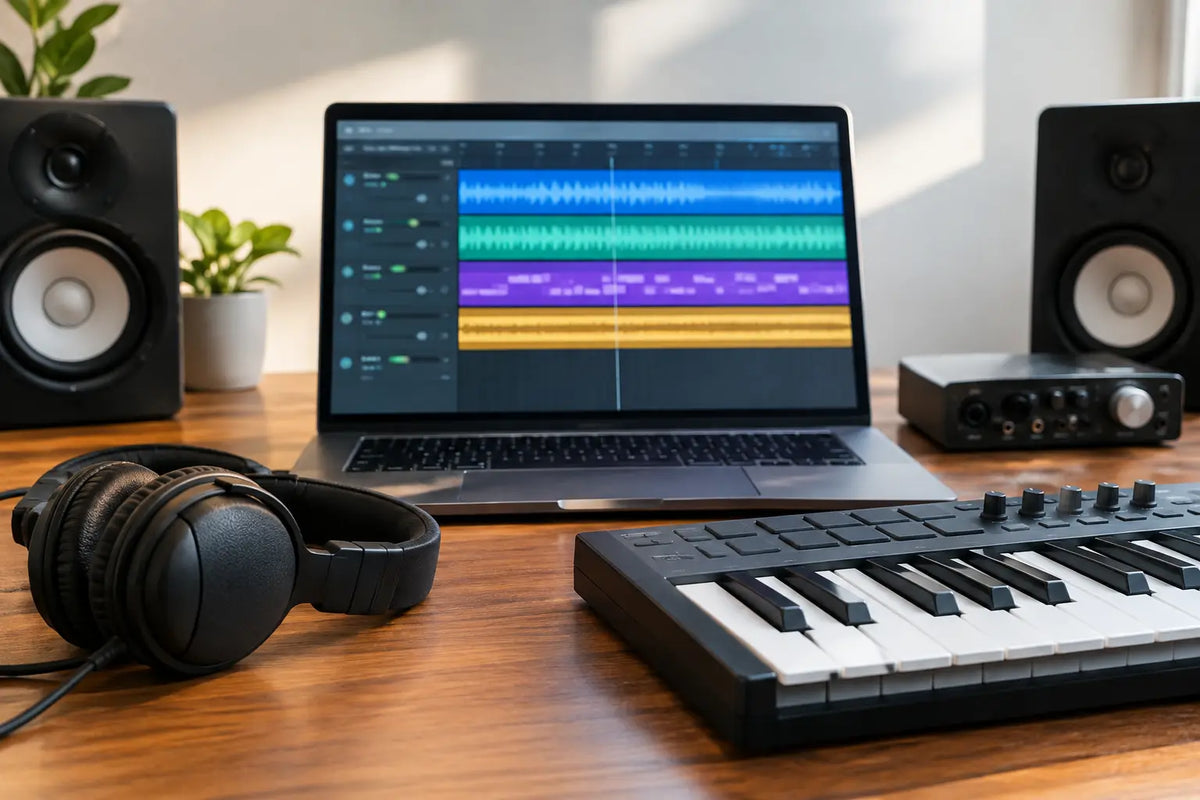
A kick and bass might be hitting hard, but the track still feels static. This is where the audio loops versus MIDI decision stops being a technical preference and becomes an arrangement decision. One format can give you instant club-ready movement; the other lets you shape every note, rhythm, and sound until it belongs only to your record.
For electronic producers, the best choice is rarely one or the other. It is knowing which format gets a specific part of the track over the line faster, without sacrificing the character that makes listeners remember it.
Audio Loops Versus MIDI: The Core Difference
An audio loop is recorded sound. It may be a percussion groove, a rolling bassline, a top loop, a synth sequence, a vocal phrase, or an entire musical idea bounced as audio. Drag it into your DAW, match the project tempo, and you can hear a polished result immediately.
MIDI is performance data. It tells a virtual instrument or hardware synth which notes to play, when to play them, how hard to play them, and often how long they should last. The actual sound comes from the instrument, preset, or sample you route that MIDI into.
That difference changes everything. Audio gives you a finished sonic identity right away. MIDI gives you the blueprint, then asks you to choose and shape the sound. Neither is automatically more professional. The professional move is choosing the format that serves the job in front of you.
When Audio Loops Win
Audio loops are built for momentum. If you are writing a Tech House drop and need percussion that already has the right swing, texture, saturation, and stereo placement, a high-quality loop can get you there in seconds. The groove is already performed and processed as one coherent piece.
This matters because club music lives or dies on feel. A percussion loop may contain tiny timing shifts, ghost hits, filtered transients, room tone, and tonal detail that are difficult to recreate from a blank MIDI clip. You can program the same rhythm on paper and still miss the physical movement that makes it feel right over a system.
Loops are also efficient when your session needs a strong foundation fast. A vocal chop loop can suggest a hook. A shuffled hat loop can establish a genre direction. A melodic texture can turn a functional eight-bar idea into a track with atmosphere. Instead of spending an hour designing a supporting element, you can spend that hour improving the arrangement, tension, and transitions.
The trade-off is control. You can slice, pitch, reverse, filter, resample, and rearrange audio, but you cannot simply move one note in a chord or change a bassline's rhythm without more involved editing. If the loop is too recognizable or too full, it can also push the production toward someone else's musical identity rather than your own.
That is why quality and selection matter. Use loops with a clear role in the mix. A strong top loop, percussion layer, or vocal texture often leaves more room for your original kick, bass, lead, and main hook. Packs from Hot Grooves are designed around those usable, genre-specific building blocks, so the sound can support a finished record rather than clutter a project folder.
When MIDI Is the Better Move
MIDI is the better choice when the musical idea needs to adapt. Say you have a Melodic Techno chord progression that works emotionally, but the voicing is too dense in the breakdown. With MIDI, you can remove a note, spread the chord across octaves, alter the velocity, or switch the entire patch while keeping the composition intact.
MIDI is especially valuable for basslines, lead melodies, chord stabs, and arpeggios. These are usually the parts that define your track's harmonic language. You may begin with a preset or a MIDI idea, but the ability to modify notes and sound independently gives you far more options as the arrangement develops.
It also makes key changes painless. If a vocalist sounds better two semitones higher, MIDI lets you transpose an entire musical section without the artifacts that can appear when heavily pitching audio. You can audition different bass notes under the same chord progression, create call-and-response variations, or build a more natural rise in intensity by changing the density of the pattern.
The cost is time and decision-making. MIDI is not automatically inspiring just because it is flexible. A blank piano roll can become a rabbit hole of micro-edits, patch browsing, and second-guessing. If the sound design, groove, and mix are not strong, MIDI can leave a track feeling like a demo for much longer than it should.
Sound Quality Is Not the Real Debate
Producers sometimes frame this as a sound-quality question: audio is supposedly more polished, while MIDI is supposedly cleaner or more editable. That misses the point.
Audio loops can sound excellent because they capture a complete, intentional chain of sound design, processing, and performance. But a loop may not fit your track's key, tonal balance, or arrangement without work. MIDI can sound equally premium when it drives a great instrument or preset, but the final result depends on your sound selection and processing choices.
The real question is whether the part sounds convincing in context. A perfectly produced loop is not useful if it fights your clap, masks the bass, or pulls the listener away from the hook. A simple MIDI sequence can sound huge if the patch, automation, layering, and arrangement are working together.
Treat both formats as source material, not finished answers. Filter a loop to make room for your drums. Bounce a MIDI synth part to audio once the performance is right, then chop it into fills and transition effects. The most effective workflow often moves between the two.
A Hybrid Workflow That Keeps Tracks Moving
Start with whichever format creates the strongest first 16 bars. If you have a specific chord progression or bass hook in mind, begin with MIDI. If you want instant Afro House percussion energy or a driving Techno rhythm, start with audio loops. Do not force yourself to compose every element from scratch just to prove you can.
Once the core idea is working, use the other format to create contrast. A MIDI bassline can bring original movement underneath an audio percussion groove. An audio vocal phrase can add human character over MIDI chords. This contrast helps your track feel produced rather than programmed from one source.
Then commit selectively. When a MIDI part has the right notes and sound, print it to audio. You can now reverse tails, create stutters, stretch phrases, and build effects that are hard to imagine while staring at a piano roll. When an audio loop contains a rhythm you love but needs a more personal sound, slice it for timing reference and rebuild key hits with MIDI.
A practical approach is to keep your main musical identity editable for as long as possible, while using audio for flavor, groove, and speed. Your lead, bassline, and chord progression may need MIDI flexibility. Your shakers, percussion, FX, vocal textures, and transitional layers often benefit from the instant polish of audio.
Common Mistakes to Avoid
The first mistake is stacking loops without creating hierarchy. Four excellent percussion loops can still produce a weak groove if they all occupy the same frequency range and rhythmic role. Choose one loop to lead, then use the others as supporting texture. High-pass where needed, remove competing hits, and automate elements in and out across the arrangement.
The second is treating MIDI as a substitute for sound design. Great notes through a generic patch will not compete with a current dance record. Choose a sound with the right transient, harmonic weight, and movement before adding unnecessary processing.
The third is leaving everything unchanged. If you use an audio loop, make it belong to the record through arrangement, EQ, effects, slicing, or resampling. If you use MIDI, introduce variation through velocity, note length, automation, and octave changes. Repetition creates groove, but controlled variation creates progression.
Choose the Format That Solves the Next Problem
If you need inspiration, movement, and a finished feel quickly, reach for audio. If you need harmonic control, custom melodies, and the freedom to reshape a part later, use MIDI. If you need a release-ready track, use both with intention.
The next time a session stalls, do not ask which format is better in theory. Ask what the track needs in the next ten minutes: a groove that hits now, or an idea you can make entirely your own.
Techno Sound Design Trends Shaping Club Tracks
Top Serum Presets for Plucks That Cut Through