
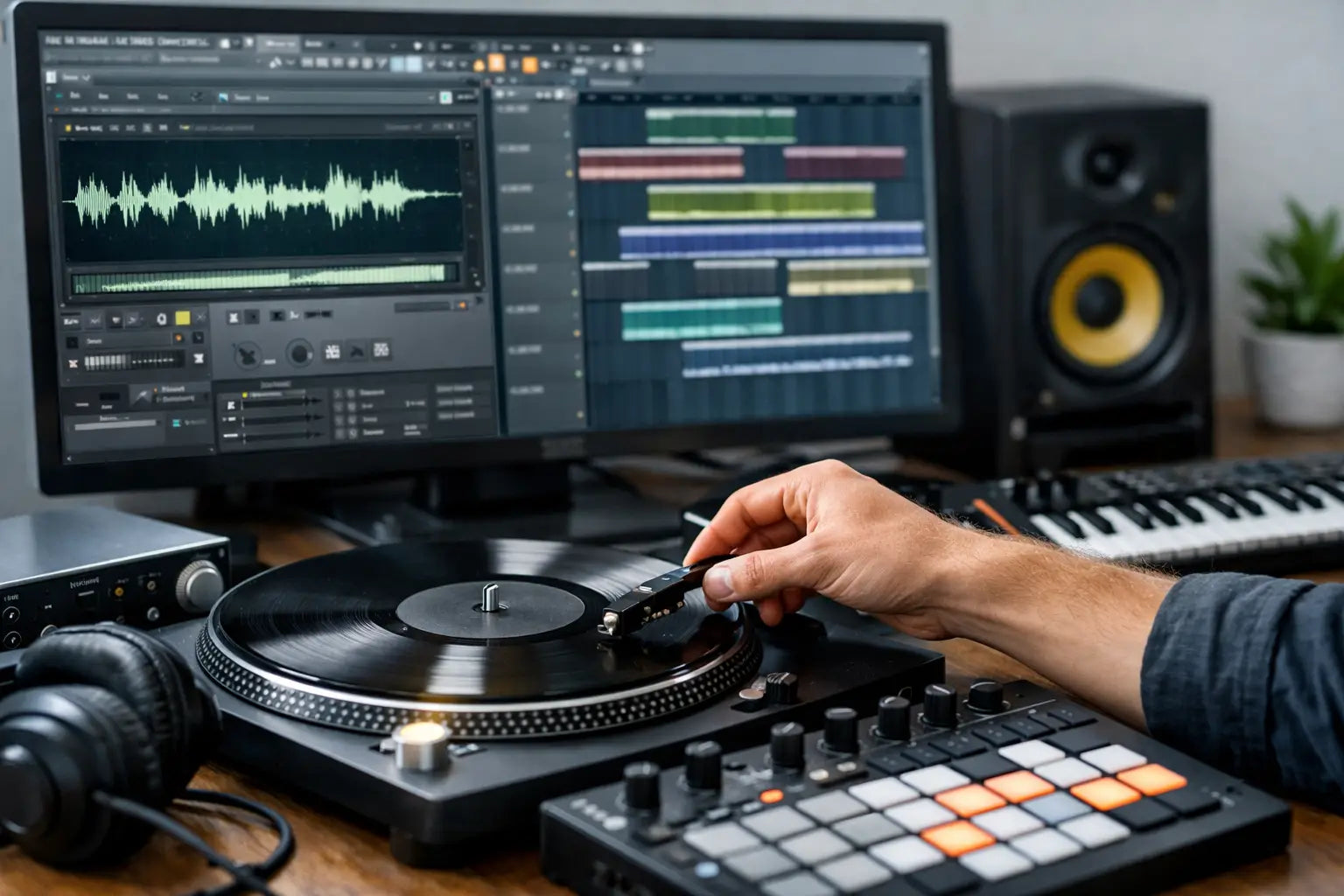
The fastest way to kill momentum in a session is opening FL Studio with a good idea, then wasting 40 minutes fighting messy audio. If you want to sample FL Studio projects efficiently, the goal is not just getting audio into the DAW. It is turning raw material into something tight, musical, and ready for a modern mix without breaking your workflow.
For electronic producers, sampling is less about nostalgia and more about speed, identity, and control. A great vocal phrase can become a hook. A dusty percussion loop can add movement your drum programming was missing. One clean chord stab can become the backbone of an Afro House groove or a Melodic Techno build. The difference is how you handle it inside FL Studio.
What sample FL Studio workflow actually means
A good sample FL Studio workflow starts before you drag anything onto the playlist. You need to know what role the sound is supposed to play. Is it the main motif, a rhythmic layer, a transition texture, or a subtle fill that adds groove? Producers lose time when every imported sound gets treated like it might be the centerpiece.
That is why source choice matters so much. If the sample already fits your genre, key, and energy level, everything after that gets easier. Tight loops, clean one-shots, and well-recorded vocals save time because you are shaping a strong sound rather than rescuing a weak one. In club-focused genres, that matters. Weak source material usually means more EQ, more processing, more automation, and more frustration.
Start with the right audio for the track
Not every sample deserves a place in the project. In FL Studio, almost any sound can be stretched, pitched, sliced, and processed, but that does not mean it should be. If you are producing Tech House, a loop with too much melodic information can box you in. If you are building Melodic Techno, a dry percussion top loop may not carry enough emotion on its own.
Pick audio that solves a problem quickly. Need movement? Use a percussion loop with a clear pocket. Need tension? Use a vocal chop or texture with space for effects. Need instant harmonic direction? Start with a chord or tonal phrase that already leans toward your target mood.
This is one reason curated sample packs outperform random digging. Genre-specific material tends to drop into a session faster because the transients, swing, tuning, and tonal character are already in the right zone. Hot Grooves builds around that exact idea - less time fixing, more time arranging.
Chopping samples in FL Studio without slowing down
Once your audio is in the project, the next decision is whether to keep it intact or slice it apart. There is no rule here. A loop might be perfect as-is, or it might only contain one bar, one hit, or one phrase worth keeping.
FL Studio gives you a few ways to approach this. You can work directly in Edison for detailed editing, use SliceX for more performance-based chopping, or keep things simple by cutting audio clips in the playlist. The best option depends on what you need from the sound.
If timing is the main issue, manual trimming and nudging can be enough. If the sample has multiple useful hits and you want to rearrange them into something new, slicing makes more sense. If there is unwanted noise, breath, tail, or resonance, Edison is usually the cleanest place to fix it before the sample becomes part of the arrangement.
The real productivity move is deciding quickly. Do not over-edit a sample that was only meant to be a background texture. Save deep chopping for sounds that actually carry the record.
When to use Edison, SliceX, or the Playlist
Edison is strongest for cleanup, precise trimming, fading, reversing, and grabbing exact moments from longer files. It is surgical and ideal when a sample needs correction before creative processing.
SliceX is more useful when the sample is becoming an instrument. If you want to trigger vocal bits rhythmically, rearrange percussion hits, or build a new groove from an existing loop, SliceX gives you more flexibility.
The playlist is often underestimated. For straightforward house and techno production, dragging in a loop, cutting a few sections, reversing one tail, and consolidating the result is sometimes all you need. Fast decisions usually beat complicated ones.
Time-stretching and pitching without wrecking the groove
This is where a lot of promising ideas fall apart. Stretch a loop too far and the transients get soft. Pitch a vocal too aggressively and it starts sounding cheap. Force a tonal sample into the wrong key and the whole track feels off, even if you cannot immediately hear why.
FL Studio makes tempo syncing easy, but easy does not always mean transparent. Short percussive material usually handles stretching better than harmonic content. Vocals can work well with moderate pitch moves, especially if they are processed for effect, but exposed melodic samples tend to reveal artifacts faster.
A better approach is to choose samples that are already close to your project BPM and key. Then use pitch and stretch as finishing tools, not rescue tools. Small adjustments keep the source feeling natural while still locking into your arrangement.
For club records, groove matters more than technical perfection. If a percussion loop has great feel but lands slightly ahead or behind the grid, do not rush to quantize everything into lifelessness. Sometimes that imperfect movement is the reason the track feels alive.
Making sampled sounds hit in a modern electronic mix
A sample that sounds good solo can still disappear once the kick, bass, synths, and effects come in. This is why placement matters as much as editing. You are not just sampling for the sake of it. You are fitting audio into a competitive arrangement.
Start with frequency role. If the sample carries low-end information that clashes with the kick or bass, cut it. If it lives in the same midrange as your lead synth, decide which one gets priority. If it adds top-end sparkle, make sure it is not fighting hats and rides.
Then think about width and depth. A vocal chop can feel huge with stereo effects, but that same width may weaken impact if the rest of the mix is already busy. A mono or narrower sample often lands harder in dense club arrangements. It depends on the track.
Saturation, filtering, transient shaping, and reverb are all useful here, but the order matters less than the intention. Are you trying to make the sample cleaner, rougher, wider, darker, more rhythmic, or more atmospheric? Producers often over-process because they have not decided what the sample is supposed to do.
Why less processing often sounds more expensive
There is a point where heavy editing starts removing the thing that made the sample interesting in the first place. A vocal with natural texture can become flat after too much correction. A percussion loop with swing can lose its personality after hard quantization and transient shaping.
Professional-sounding results often come from better source sounds and fewer moves. If the sample already feels polished, your job is mostly to place it well, control clashes, and add enough character to make it yours.
Turning a sample into your own idea
This is the part that separates lazy loop placement from real production. You do not need to completely destroy the source material, but the track should still feel authored. That can mean chopping a phrase into a new rhythm, layering one-shots over a loop, automating filters for movement, or resampling your own processed version and using that instead of the original.
In FL Studio, this can happen quickly. Print the effected audio, reverse a section, repitch a phrase, or bounce a stack into a new clip and treat it like fresh material. Resampling is one of the best ways to stop tweaking and start committing.
This matters even more in genre-specific production. Tech House needs groove and restraint. Afro House needs movement and percussion interplay. Melodic Techno often needs emotional texture without clutter. The same sample can work in all three, but only if you reshape it to fit the record.
The smartest way to work faster with sample FL Studio sessions
Speed is not about cutting corners. It is about removing decisions that do not improve the track. Organize your best folders. Tag sounds by genre and function. Keep go-to chains for vocals, percussion, and tonal chops. Bounce versions when you like what you hear instead of leaving every option open forever.
Most producers do not need more audio. They need better audio and a cleaner process for using it. That is the real advantage of a strong sample FL Studio workflow. You get to the part that matters faster: building tension, shaping drops, and finishing tracks that actually sound ready for release.
If a sample gives you instant direction, trust that. The best sessions are usually not the ones where you designed every sound from zero. They are the ones where the right sound landed early, the groove came together fast, and the track kept moving forward.
How to Choose Tech House Sample Packs
Top 10 EDM Sample Pack Picks for Producers