
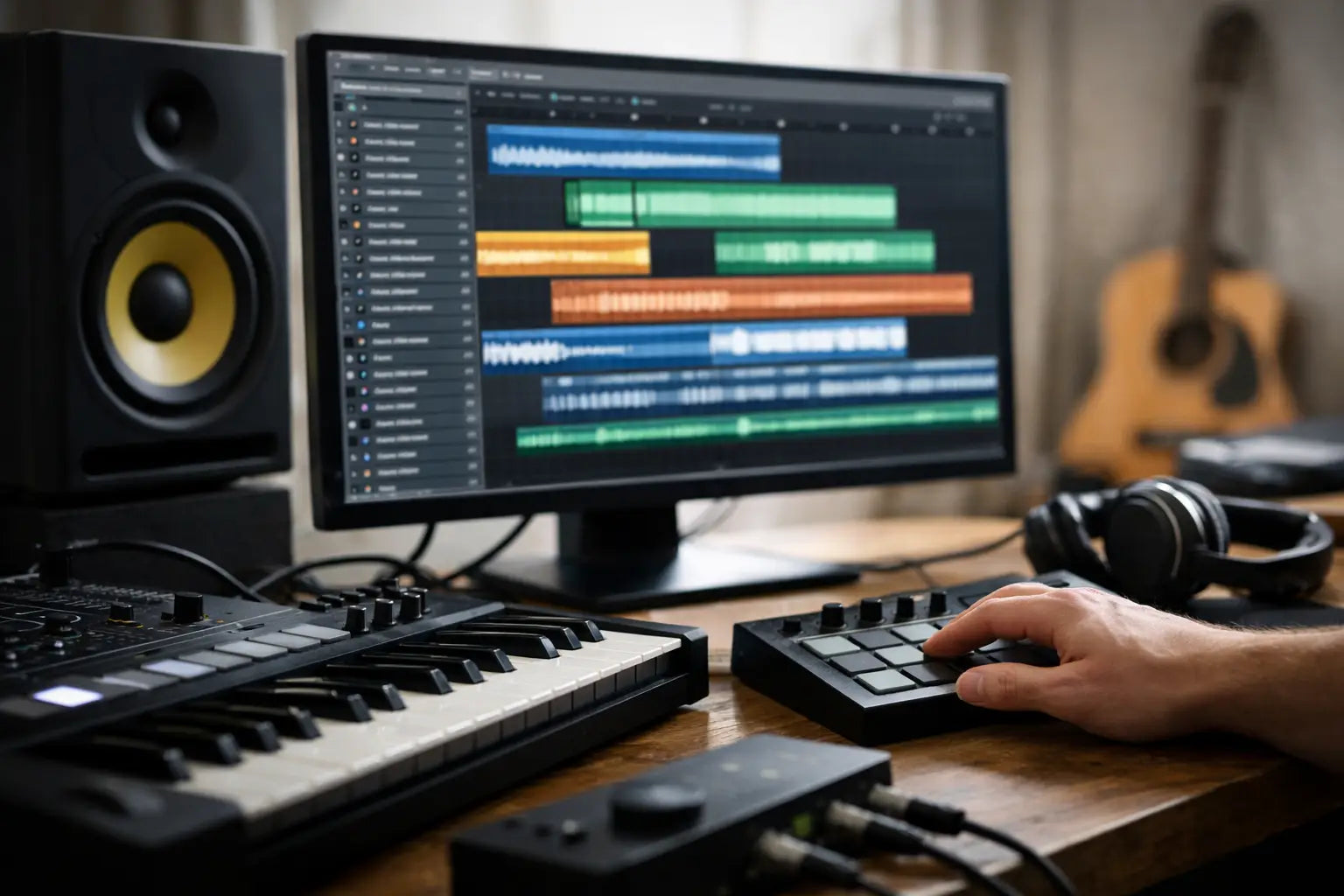
A great drop can lose its impact before the first eight bars are finished if the kick has no weight, the percussion lacks movement, or the vocal feels like it came from a different record. That is where a focused sample library earns its place in your DAW. It gives you credible starting points - sounds designed to work in the club-focused genres you produce - so your time goes into arrangement, energy, and identity instead of endless source hunting.
For electronic producers, speed is not about cutting corners. It is about getting to the part of the process that makes a track yours. The right loops, one-shots, vocals, and presets can turn a rough idea into a mix-ready direction before the creative momentum disappears.
What a Sample Library Should Do for Your Production
A sample library is more than a folder filled with audio files. At its best, it is an organized collection of production tools built around a specific musical result. In Afro House, that might mean organic percussion, deep bass movement, warm chords, and hypnotic vocal textures. In Tech House, it could mean punchy drums, rolling tops, attitude-driven vocals, and bass loops that immediately suggest a groove.
The difference matters because random sounds create more decisions. Purpose-built sounds reduce them. When a clap, shaker loop, or bass one-shot already sits in the right sonic neighborhood, you can make creative choices faster without forcing every element into shape with layers of processing.
That does not mean every sound should be dropped into a session untouched. Strong sample selection gives you a polished foundation, but the final character still comes from how you sequence, tune, chop, process, automate, and arrange it. Think of high-quality source material as momentum, not a finished track.
Genre focus beats endless choice
A massive collection can look impressive until you are 20 minutes deep into auditioning kicks. Producers often assume more sounds means more options. In practice, a smaller, well-curated catalog can be far more useful when each collection is designed around a clear style and current production standard.
If you are building Melodic Techno, a set of cinematic synth loops, driving low-end elements, textured atmospheres, and modern percussion will get you further than thousands of unrelated samples. The same applies to Bass House, Techno, and EDM. Genre-specific sound design helps you establish the right palette quickly, then gives you room to push it in your own direction.
Choosing the Right Sample Library for Your Sound
Start with the records and DJ sets you are genuinely trying to compete with. Not every pack needs to match one artist or one label exactly, but it should make sense next to the sounds you want to play, release, or pitch. A producer making groove-led club records has different needs from someone building festival EDM or peak-time warehouse Techno.
Listen for sound quality first. Drums should hit with definition rather than harshness. Bass material should feel controlled in the low end. Musical loops should have character without being so heavily processed that they leave no room for your mix. Vocals should sound clean, usable, and appropriate for the mood of the track.
Then look at format. A balanced collection usually includes a mix of loops and one-shots because they solve different problems. Loops deliver instant rhythm and inspiration. One-shots offer flexibility when you want to program your own patterns, create variations, or build a custom kit. Vocal phrases can provide a memorable hook, while vocal chops and ad-libs are often better for adding texture and movement around the main arrangement.
Presets deserve the same attention. A well-designed Serum preset can be a fast route to a competitive bass, lead, pluck, or atmospheric layer. It is especially useful when you want to understand how a sound was built, then reshape it with your own modulation, filtering, and effects. The trade-off is that presets depend on your plugin setup, while audio samples work in nearly every DAW.
Check the practical details
Before adding a pack to your workflow, check its tempo range, key labeling, file organization, and license terms. These details are not glamorous, but they determine whether the material is fast to use when inspiration hits.
Clear BPM and key information make it easier to audition musical loops against your project. Logical folders for kicks, claps, hats, percussion, bass, synths, FX, and vocals prevent workflow friction. Royalty-free licensing gives you confidence to use sounds in releases, client work, social content, and DJ-ready tracks without needing to chase down clearance for every idea.
Build a Workflow Around the Sample Library
Downloading great sounds is only the first step. If everything lands in one unsearched folder, your library becomes another obstacle. Create a simple system in your DAW browser or sample manager that reflects how you actually produce.
Organize by genre when the sounds are strongly style-specific, then by format or instrument. For example, keep Afro House percussion separate from Tech House percussion if their tonal character and groove approach are different. Within each category, tag your most-used sounds as favorites. Over time, you will build a personal shortlist of kicks, hats, shakers, transitions, vocal textures, and synth tones that reliably work for your sound.
When starting a new track, do not audition everything. Give yourself a focused palette: one kick, one bass direction, a small group of drum elements, and two or three musical or vocal ideas. Constraints help you make decisions. If a sound does not support the groove within a few minutes, swap it out rather than endlessly processing it.
A practical starting session might use a top loop for movement, individual drum one-shots for punch and control, a bass loop or preset to establish the low end, and one vocal phrase to set the track's personality. From there, edit aggressively. Slice the loop, remove hits, reverse a percussion tail, pitch a vocal phrase, or layer a one-shot beneath a loop for added impact.
Make Stock Sounds Feel Like Your Record
The concern many producers have is valid: if everyone can access the same sounds, how do you avoid sounding generic? The answer is arrangement and transformation. Two producers can use the same percussion loop and create completely different records through timing, sample selection, sound placement, and processing choices.
Start by changing the context. A vocal sample that works as a hook at 124 BPM may become a tense rhythmic element when chopped into sixteenth notes, pitched down, and placed before a drop. A melodic loop can become an atmospheric background layer after filtering, reversing, resampling, or removing its original rhythm.
Layering also works when it has a clear purpose. Pair a clean clap with a short, textured clap for body and character. Add a subtle organic shaker beneath a programmed hat pattern to create human movement. Reinforce a bass preset with a quiet, filtered midrange layer if the original sound lacks translation on smaller speakers. Avoid stacking samples simply because you can. Every layer should add punch, width, groove, or emotional weight.
Processing should solve a specific issue. Use EQ to make room, saturation to add density, transient shaping to control impact, and reverb or delay to place elements in the mix. If you find yourself applying drastic processing to make a sample usable, it may be the wrong sample for that track. Better source material usually beats complicated repair work.
When to Use Loops, One-Shots, Vocals, and Presets
Loops are ideal when you need immediate energy or want to study how a groove is constructed. They can establish a direction quickly, especially in percussion-heavy styles. However, fully relying on unedited loops can make an arrangement feel static. Break them apart, mute sections, introduce fills, and create call-and-response with your programmed parts.
One-shots are the better choice when the rhythm itself is central to the record. Programming your own kick, clap, hat, and percussion patterns gives you precise control over swing, density, and tension. This is often where a track develops its individual fingerprint.
Vocals can carry a track, but they need space. A strong phrase may work best with fewer competing melodic elements around it. If you only need atmosphere, use short phrases, breaths, chops, and processed fragments rather than a full lead vocal.
Presets are most useful when you have a clear sound role in mind. Instead of scrolling through every patch, search for the function you need: a rolling bass, an uplifting chord, a dark lead, or a transition effect. Then tweak it until it speaks the language of your track.
Build Faster Without Losing Your Identity
Hot Grooves collections are designed for producers who need current electronic sounds without wasting sessions on weak source material. The goal is not to replace your taste or technique. It is to give you drums, loops, vocals, and presets that get you closer to a polished result from the first idea.
The best session usually begins with one sound that makes you want to keep going. Keep your sample library organized, choose tools that fit the genre, and commit to a small palette before reaching for more options. When the groove is working, your next decision should be how to make it unmistakably yours.
Create Rolling Basslines Quickly for Club Tracks
How Sidechain Sampled Basslines Hit Harder